Screen Share - 4 Chromecast TV
Have questions, feedback or suggestions?
Reach out to us at dev@mobileapplications.workOur specialists will answer you within 24 hours. Support line hours: 08:00–20:00 GMT, on weekdays
About the application
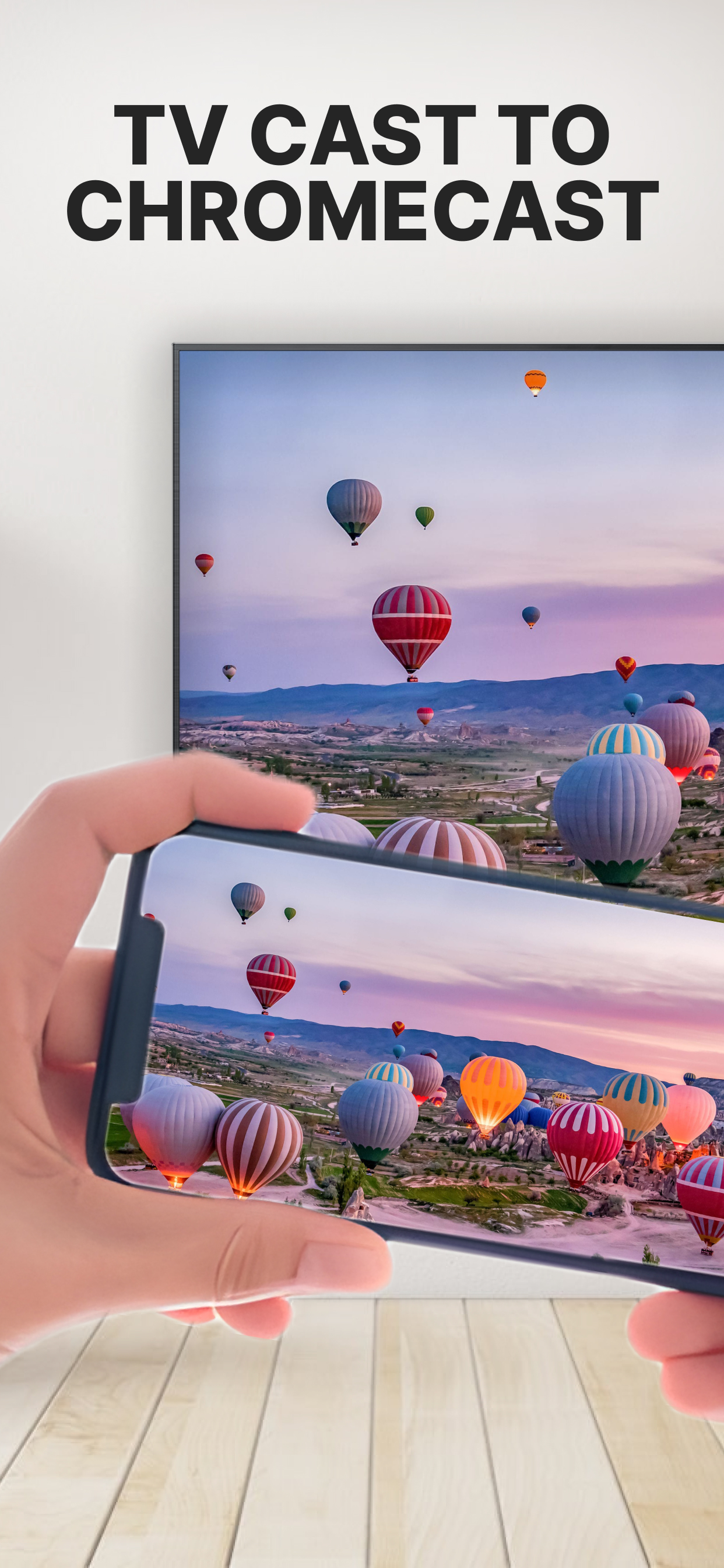
Mirror any content to TV with Chromecast/Google Cast! Cast movies, shows, music & photos from your iPhone/iPad/Mac to the Big Screen now!
-
⌘ No TV App Required
〉Quickly mirror your phone screen to your TV with just one tap. -
⌘ Easy Connection with Major TV Brands
〉Compatible with Samsung, Roku, Fire TV, LG, and more – simply connect and start streaming. -
⌘ Share Your Photos & Videos Instantly
〉Relive memories and showcase your favorite moments with family and friends on the big screen. -
⌘ Eliminate Lag with Built-In Speed Test
〉Ensure smooth streaming with our network speed testing tool. -
⌘ Witness Epic Gameplay on TV
〉Experience breathtaking gaming visuals on a larger canvas. -
⌘ Enjoy Personalized Audio
〉Immerse yourself with high-quality audio to complement your visual experience. -
⌘ Instant Broadcasting with QR Code
〉Quickly connect to your TV by scanning a QR code for instant casting. - ⌘ Now available on Mac and iPad 〉Mirror your Mac or iPad screen to the TV—just as easily as with iPhone.
Supported devices:
- ► Google Cast-enabled TVs
- ► TVs and consoles with web browser compatibility
- ► Chromecast devices